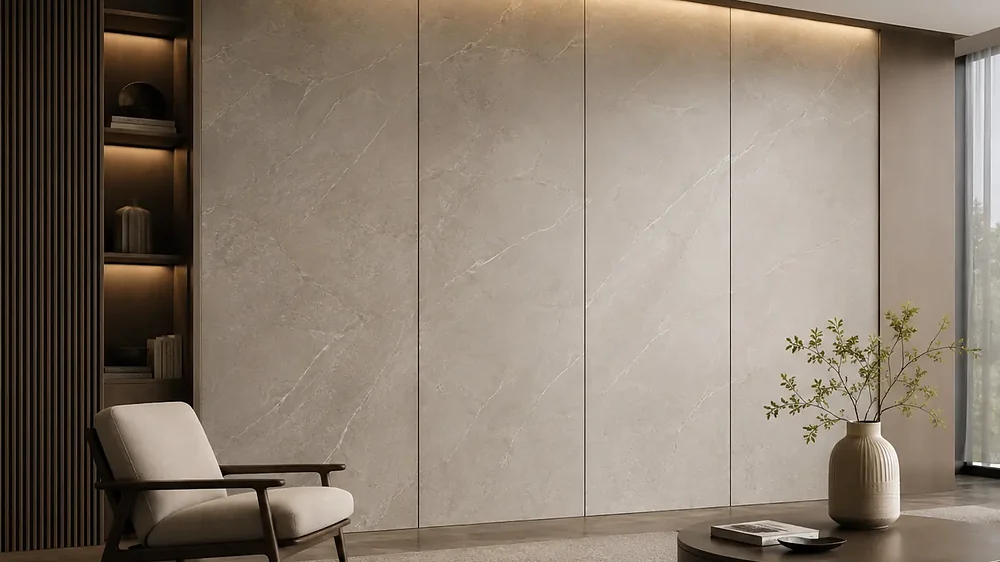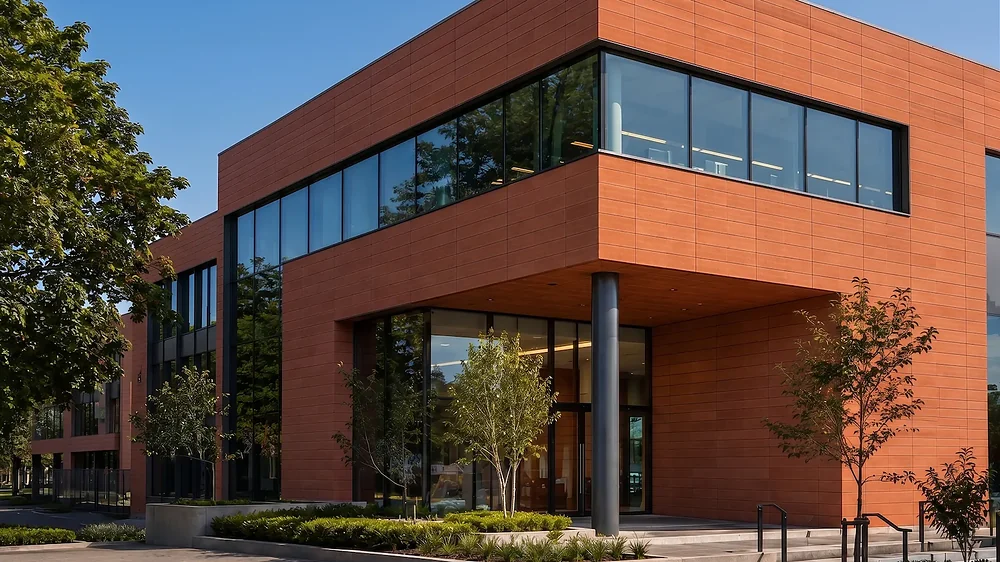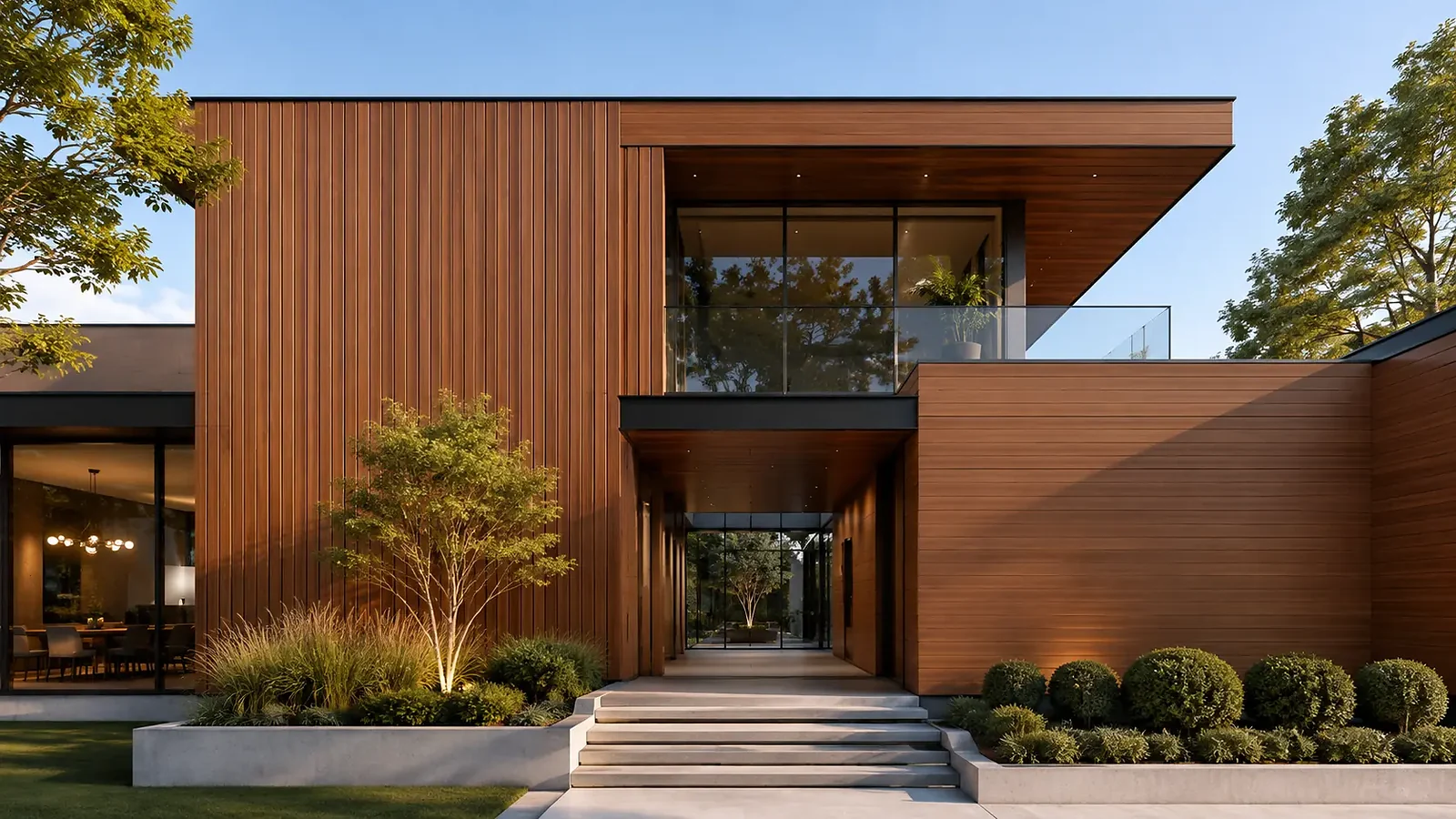
The biggest risk with cladding isn't that a product fails. It's that the finished building doesn't look the way anyone imagined. The good news is there are now several affordable ways to visualize cladding before a single panel arrives.
Each method answers a different question. Here's how to choose.
Photo mock-ups: fast and cheap
Take a straight-on photo of the existing building and apply candidate finishes to the walls. It's quick, inexpensive and perfect for a homeowner choosing between three options for a re-clad. The limits: lighting is fixed to the original photo, and texture is approximate.
3D renders: proportion and light
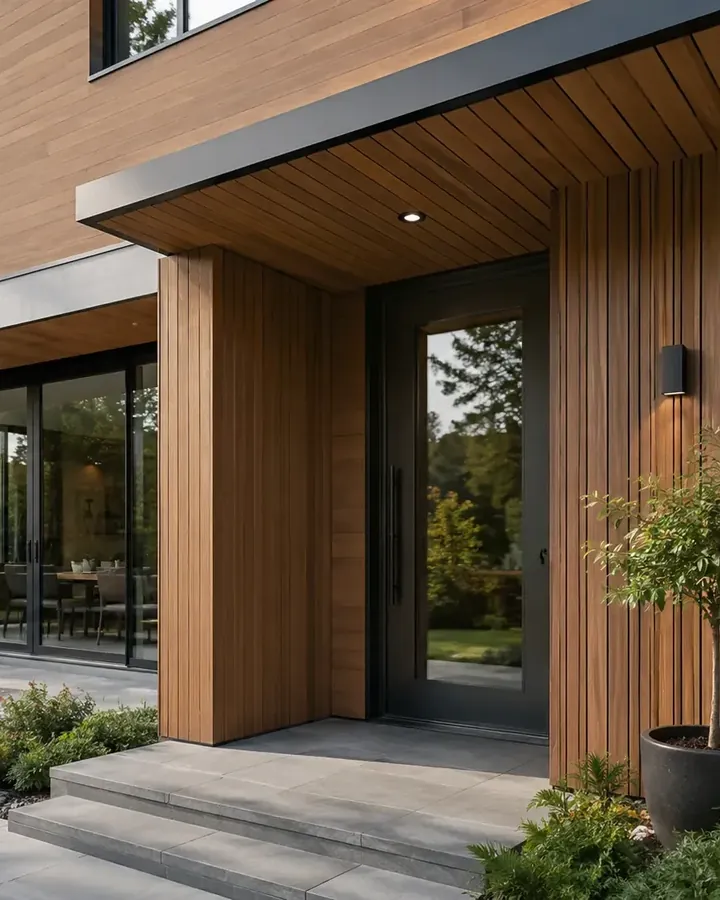
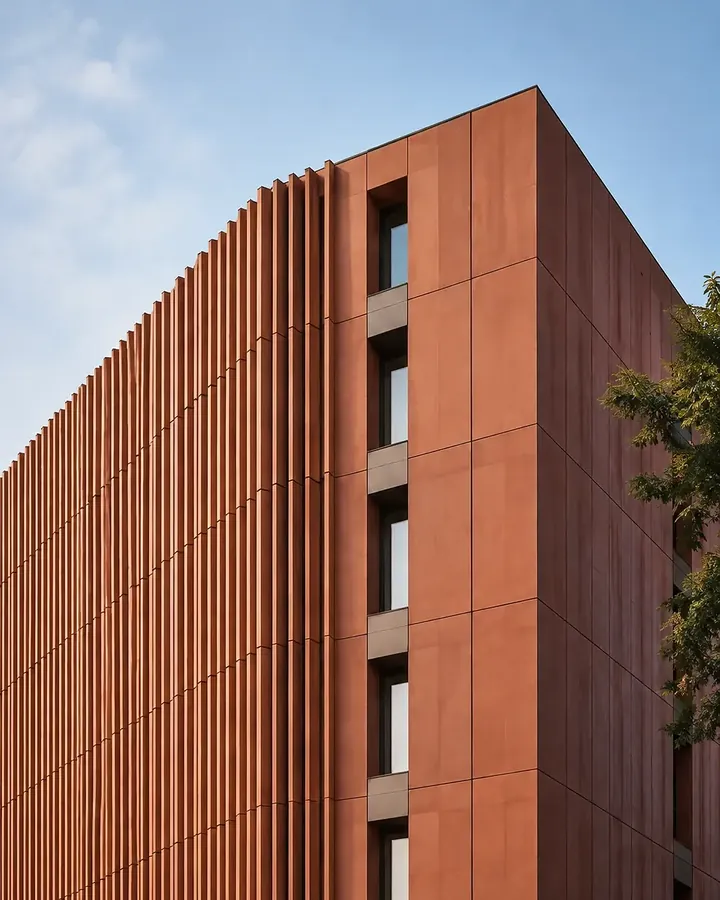
A render places accurate material textures on a 3D model, under realistic sun and sky. It shows how a terracotta façade reads at noon versus dusk, or how wood-look panels frame an entrance. Brief your visualizer with real product textures and sample photos, not generic library materials.
Augmented reality: scale on site
AR apps overlay a finish on the real building through a phone or tablet. They're useful for judging scale and placement while standing in the street. Color and texture are less reliable because the screen and ambient light vary.
Physical mock-ups: the final word on detail
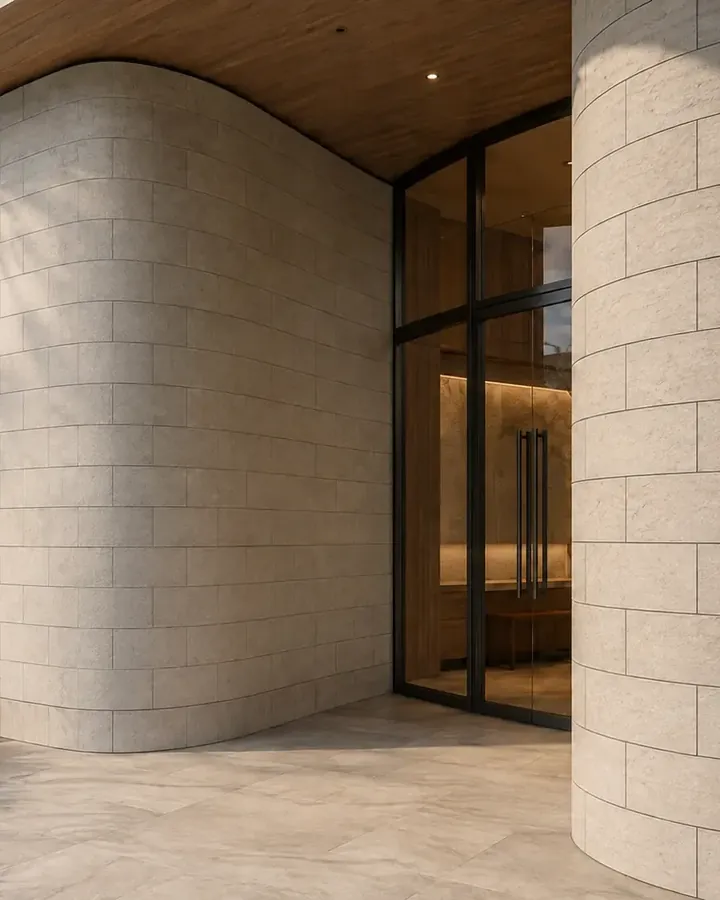
Nothing beats a real panel. For curves, corners and unusual textures, such as flexible tiles wrapping a column, a small physical mock-up confirms what no image can. Our article on moving from sample board to mock-up covers when it's worth it.
Choosing the right method
| Method | Best for | Cost | Watch out for |
|---|---|---|---|
| Photo mock-up | Comparing finishes on an existing building | Low | Fixed lighting |
| 3D render | Proportion, light, new builds | Medium | Generic textures |
| AR | Scale and placement on site | Low | Screen color |
| Physical mock-up | Texture, joints, details | Higher | Time and space |
How brands can make this easier
The suppliers who win specifications make visualization effortless: consistent product photography, downloadable textures, accurate finish data and a sample journey that matches what's on screen. Designing that whole experience together is the core of what we do at House of Origo, and it's why the finishes on this site are photographed the way they are.
Then confirm with samples
Whichever method you use, finish with physical samples viewed in daylight. Shortlist in Find your finish, then request your samples.
Frequently asked questions
What is the cheapest way to visualize new cladding on a house?
A photo mock-up, where the new finish is applied to a photo of the existing building, is the quickest and cheapest option. It is ideal for comparing a few finishes but less accurate on lighting and detail than a 3D render.
Are 3D renders accurate for color?
Renders can be very close when they use correct material textures and realistic lighting, but they are still images on a screen. Use them to judge proportion, placement and overall effect, and confirm color with physical samples.
Is augmented reality useful for choosing cladding?
AR is helpful for a sense of scale and placement on an existing building, especially on a phone or tablet on site. It is less reliable for exact color and texture, so treat it as one input alongside samples.